
Clairo
A project management app built for freelance creatives. Designed in Figma, prototyped with Claude Code, and built with React.
The Problem
Freelancers juggle multiple clients, deadlines, and onboarding steps with no single place to track it all. Clairo brings project management, client checklists, and notifications into one simple dashboard built specifically for creative freelancers.
The Approach
Clairo was designed end-to-end. User research and persona development shaped the foundation, followed by wireframes, a complete design system, and high-fidelity screens in Figma. The prototype was connected with smart animations, then brought to life as a working React app and deployed live with Vercel.
The App
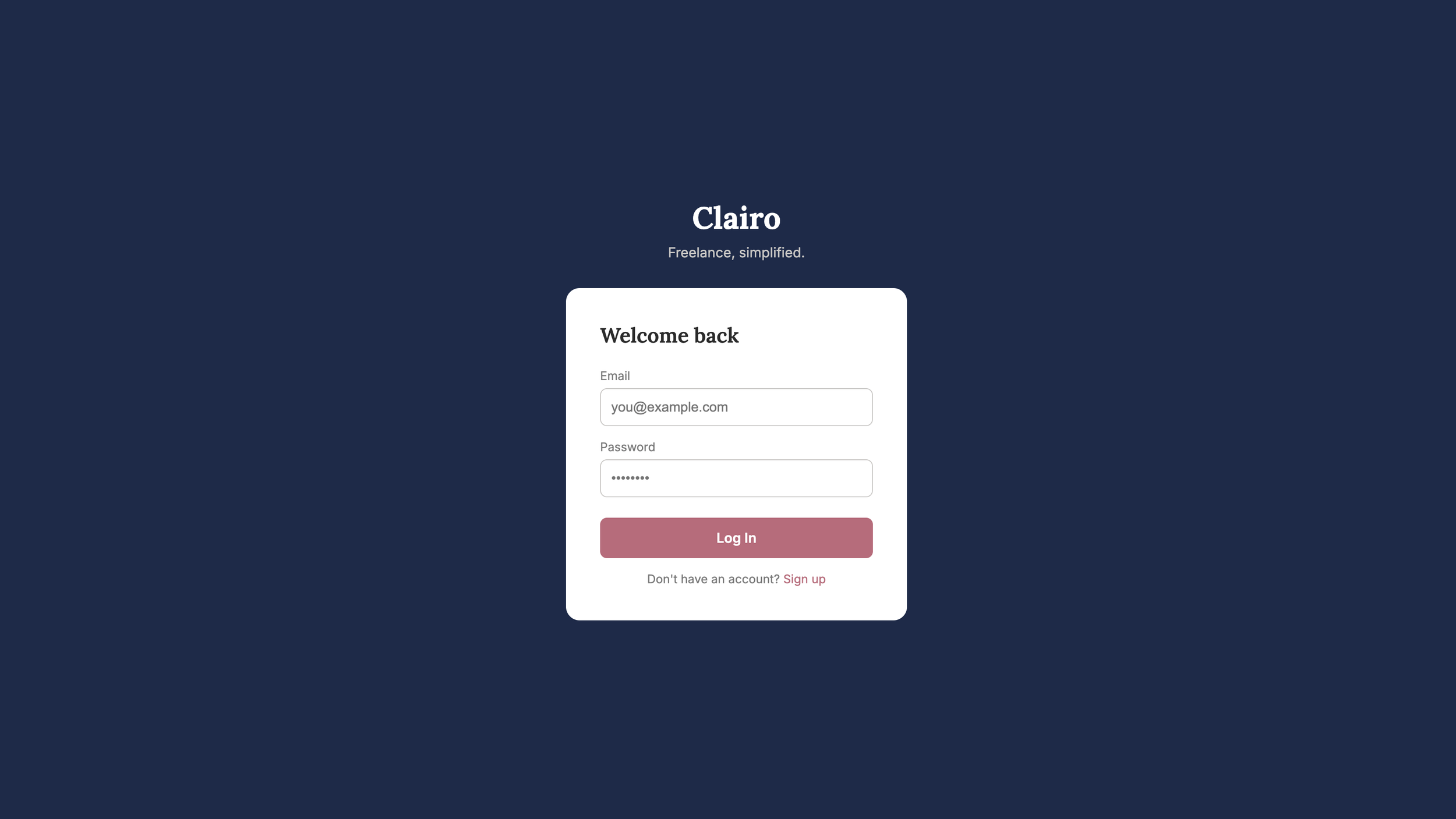
1. Login
Welcome back. A clean, simple entry point that gets users into their workspace fast, with no unnecessary steps.
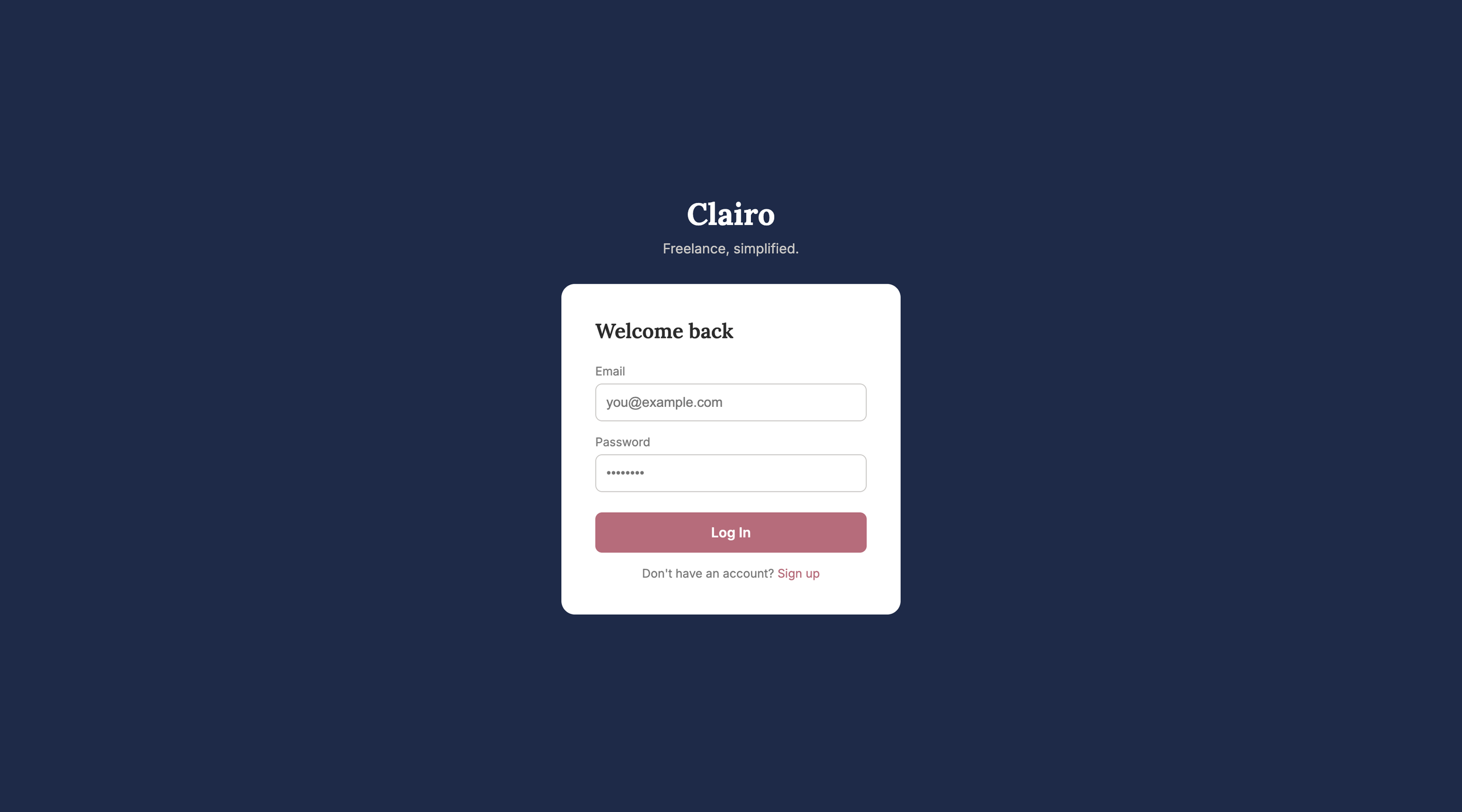
2. Dashboard
Home base. See active projects, due dates, and stats at a glance the moment you log in.
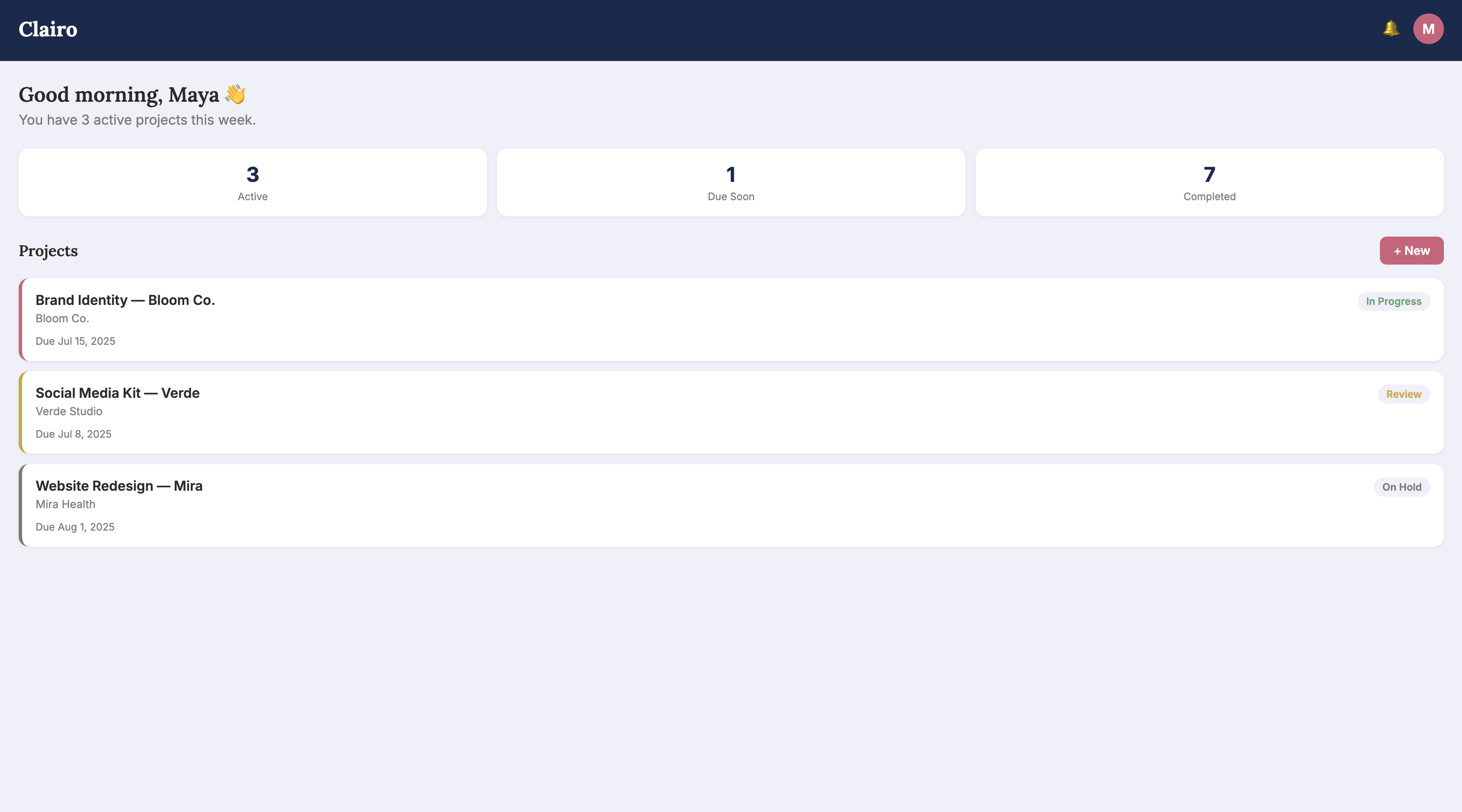
3. New Project
Start something new. Add a project name, client, due date, and budget in seconds.
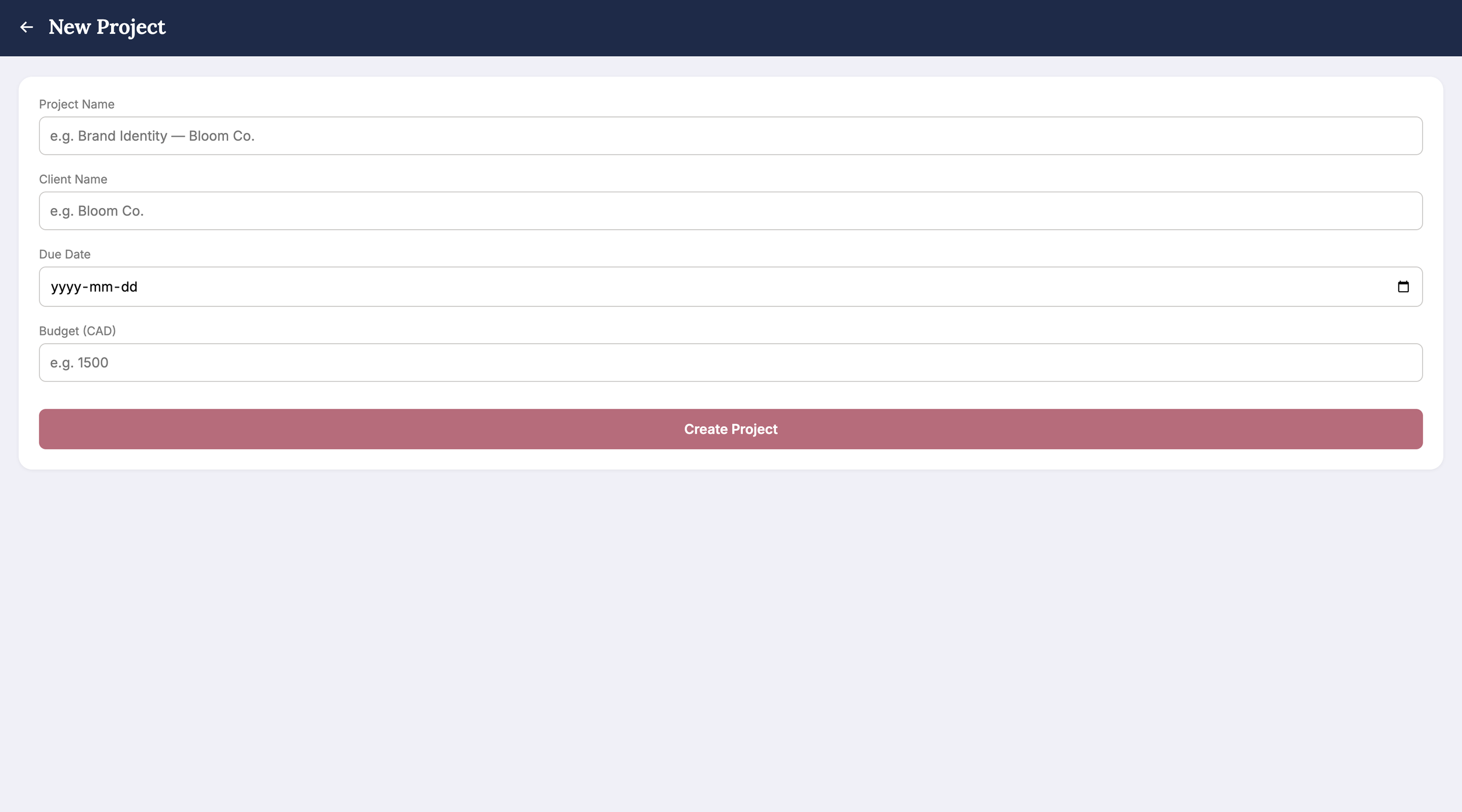
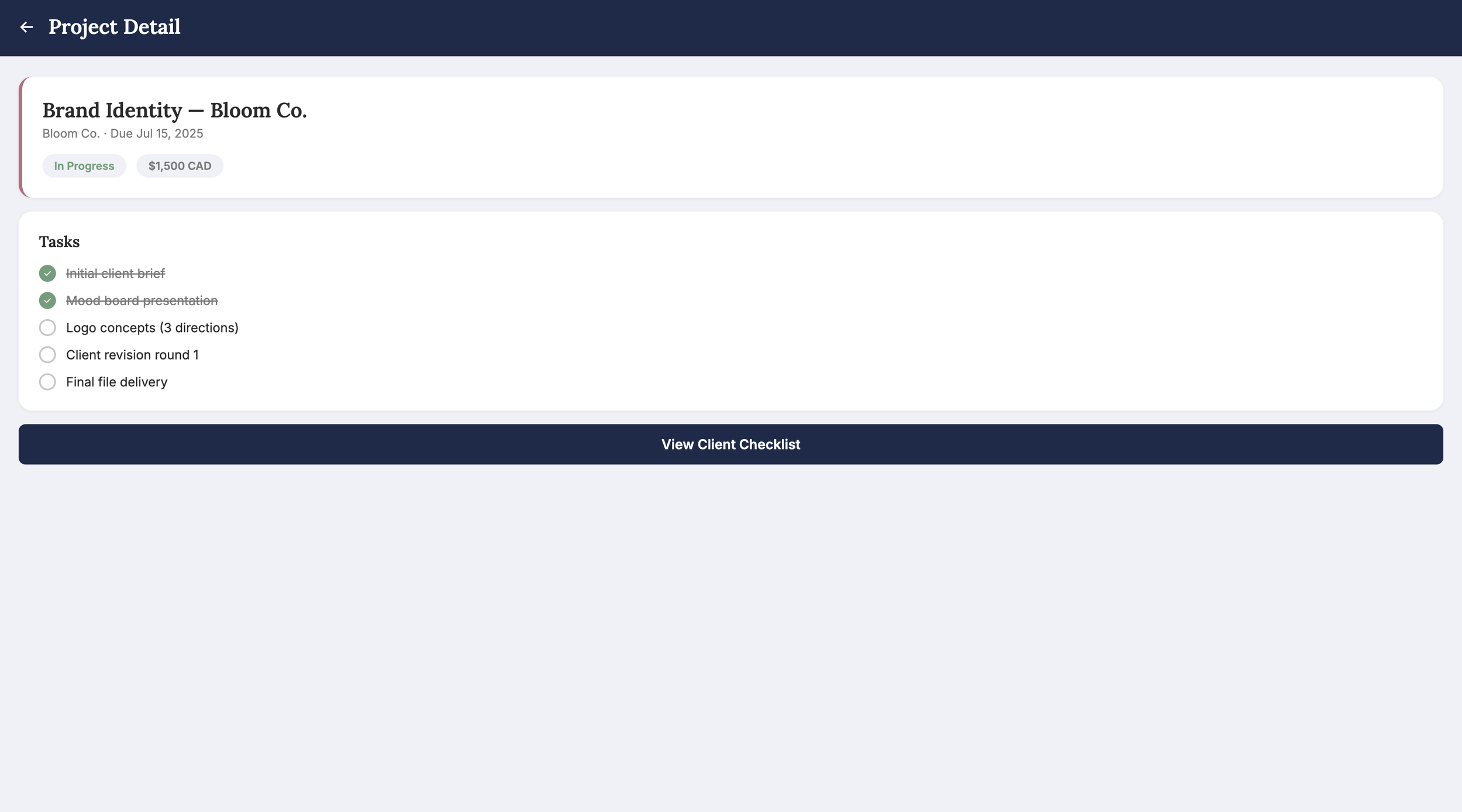
4. Project Detail
Stay on track. Break each project into tasks and watch the progress update in real time.
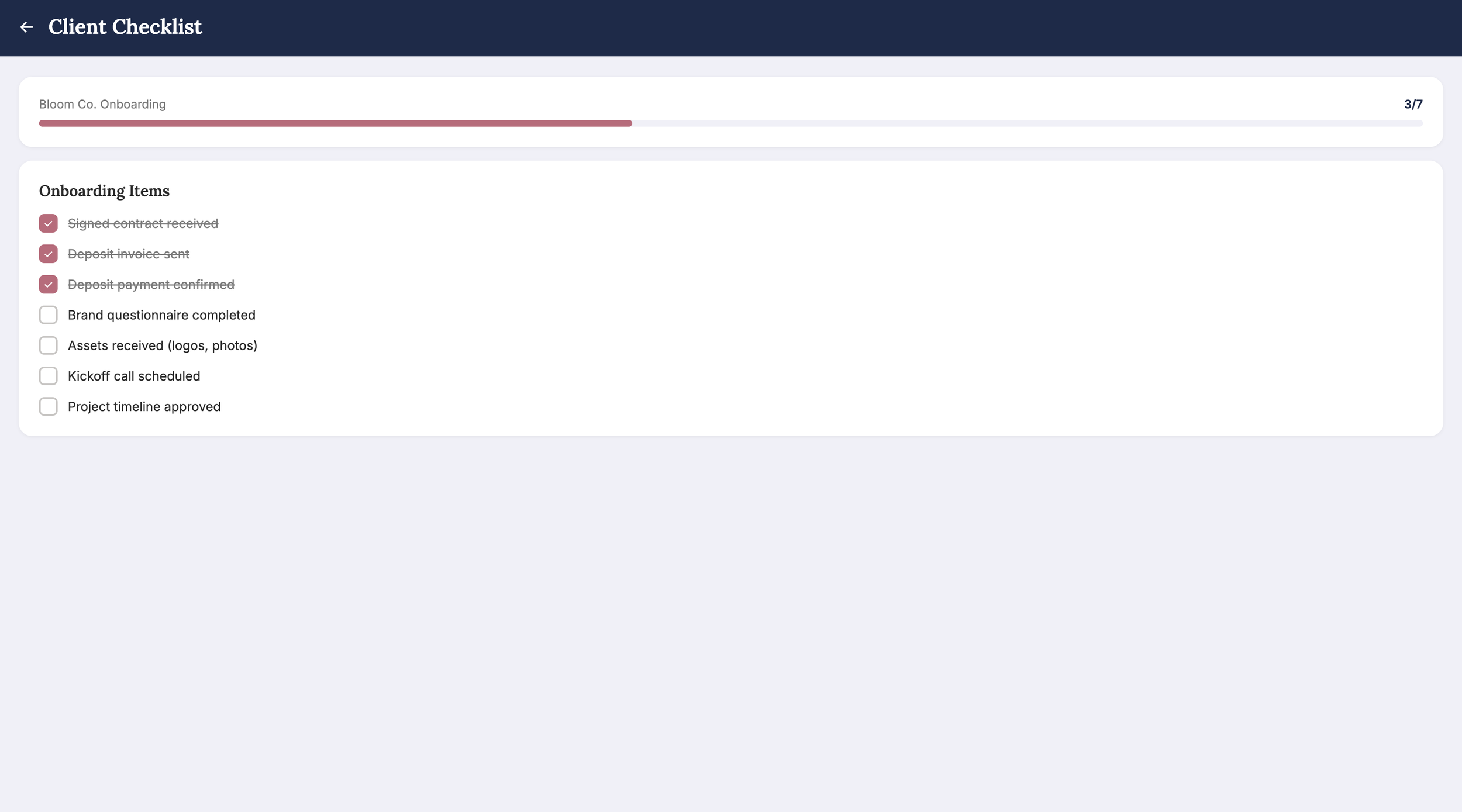
5. Client Checklist
Smooth onboarding. A shareable, interactive checklist that keeps clients and freelancers aligned from day one.
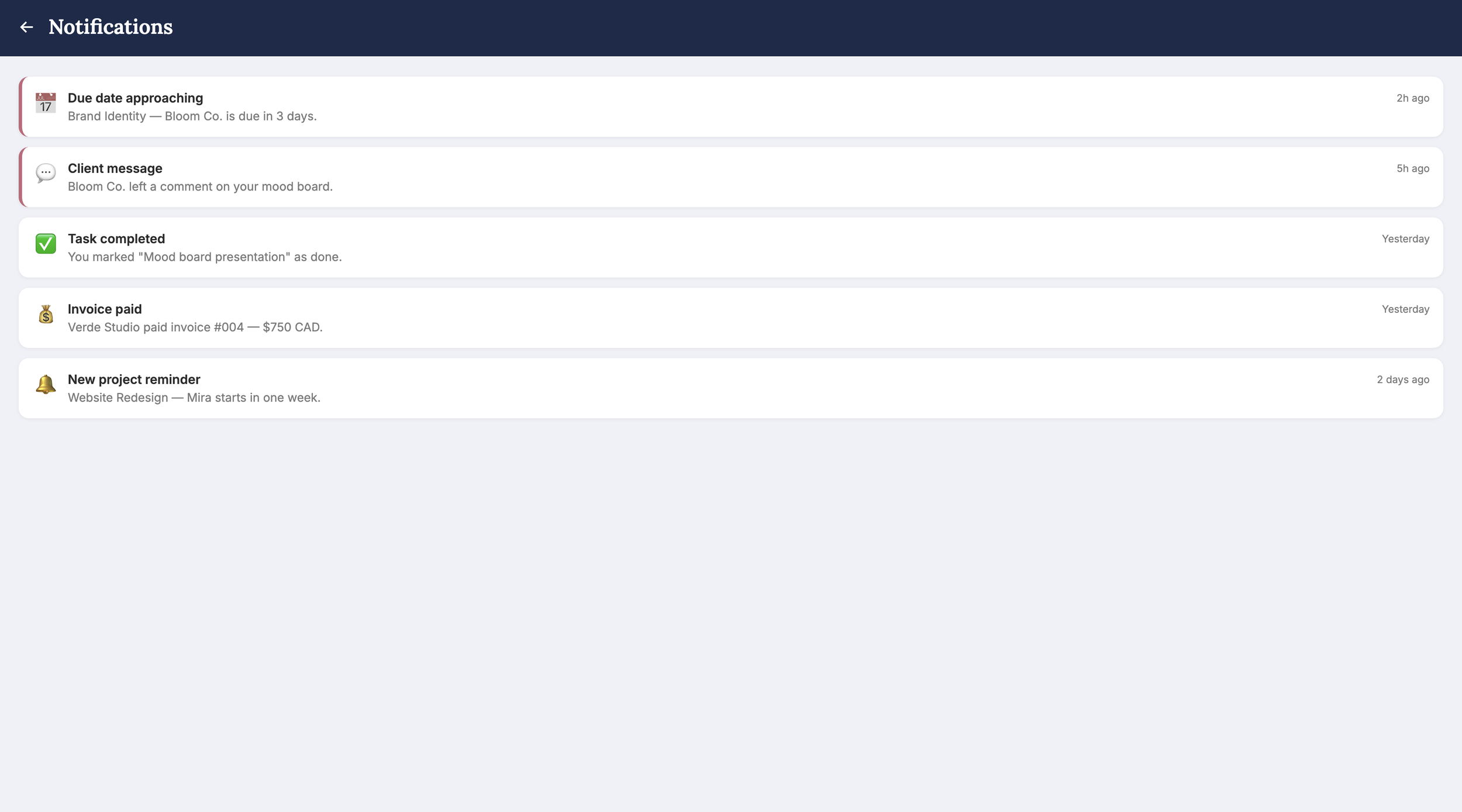
6. Notifications
Never miss a beat. Due dates, client messages, and payment updates, all in one place.
Design System
Clairo's visual identity was built for clarity and calm. The color palette spans deep navy, dusty rose, and soft lavender white, while Lora and Inter bring structure and warmth to every screen.
Colour Palette
Deep Navy
#1B2A4A
Dusty Rose
#C2677A
Soft Lavender White
#F0F0F8
Off White
#FAFAFA
Charcoal
#2B2B2B
Medium Grey
#7A7A7A
Sage Green
#6B9E78
Muted Amber
#C9A84C
Soft Red
#C0392B
Light Grey
#E4E2DF
Typography
Lora
Heading
Freelance, simplified.
Inter
Body
You have 3 active projects this week.
See It Live
Clairo is a frontend prototype built with React, styled with custom CSS, and deployed live with Vercel. Every screen you saw in this case study is fully interactive, from logging in to managing projects and checking off client tasks. Browse the full codebase on GitHub or open the live app and explore it yourself.
What I Learned
The hardest part of this project wasn't the design or the code. It was deciding what to build in the first place. Choosing Clairo as my first case study pushed me to think like a UX designer from day one, starting with real research and a clear user problem before touching any pixels.
Building the frontend taught me something the design phase couldn't: that good design has to be intuitive, accessible, and inclusive not just on a Figma canvas, but in actual code. Translating screens into a working React app revealed details and decisions that wireframes simply don't surface.
I also explored AI-assisted workflows for the first time. Using Claude Code with the Figma plugin API, I automated the prototype connections across all six screens directly from the terminal. It was a glimpse into how designers and developers can use AI tools to work faster without sacrificing intention or craft.
If I had more time, I would incorporate a backend with real authentication, persistent data, and a live database to take Clairo from a prototype to a fully deployable product.
But most of all, I'm proud. This is my first case study, and I built it end to end, from research to persona, wireframes to design system, prototype to deployed React app. That's something.